Log in or create a free Rosenverse account to watch this video.
Log in Create free account100s of community videos are available to free members. Conference talks are generally available to Gold members.
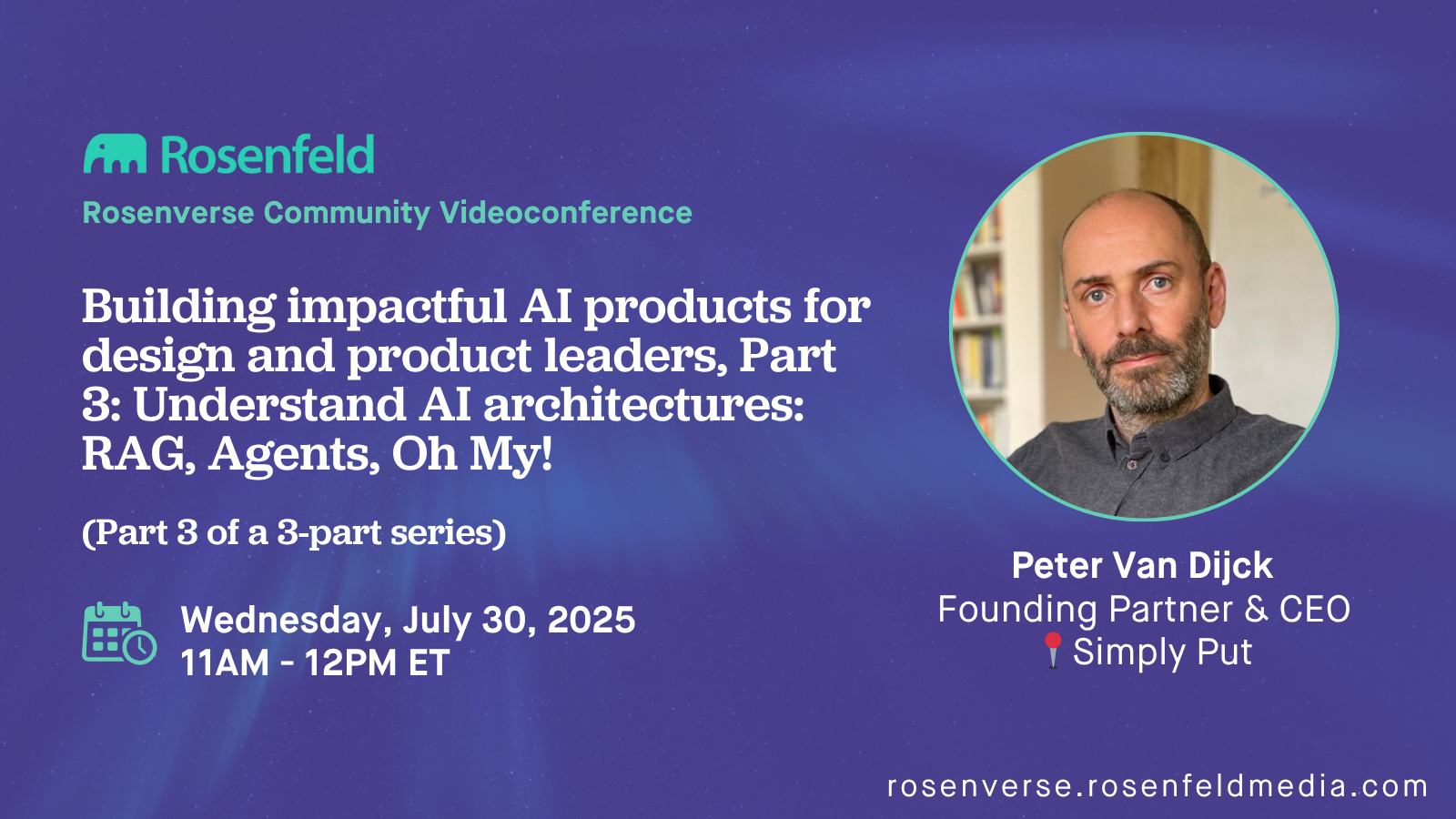
Building impactful AI products for design and product leaders, Part 3: Understand AI architectures: RAG, Agents, Oh My!
This video is featured in the AI and UX playlist.

Summary
Agents, RAG, Memory, Vector Databases, Tool Use, MCP! The sector is rapidly evolving lots of architectures to make AI products more helpful and impactful. Peter van Dijck of Simply Put will share a simple framework that helps you understand how to think about these architectures, how to plan around them, and how to work with engineering teams on them. None of this is rocket science, but the acronyms are many. You don’t need to write code, but you do need to understand what is going on in these systems. You will learn how to think about and understand these complex-seeming architectures, and how to think about new ones as they come out.
Key Insights
-
•
Large language models are stateless and rely entirely on the provided context window for each response.
-
•
The context window is essentially a text file aggregating system instructions, user queries, documents, and other relevant data.
-
•
All modern AI techniques (retrieval, augmented generation, tool use) aim to improve the quality and relevance of this context window.
-
•
Tool use allows the model to autonomously decide when to invoke external APIs or services based on the input query.
-
•
Agent models enhance tool use by planning and executing multiple tool calls in an iterative, reasoning loop until a task is complete.
-
•
Post-training with billions of examples significantly improves models' abilities in reasoning, tool use, and planning.
-
•
Designing AI products should begin with user needs and the necessary context rather than starting with complex agent architectures.
-
•
Prompt structure, including semantic content and organization (e.g., XML tags), helps the model parse context effectively but is flexible.
-
•
Token limits constrain the context window size; modern models like Google’s can handle up to a million tokens, enabling very large context inputs.
-
•
User-specific data (e.g., PTO policy, employee info) can be integrated into the context window dynamically through backend queries to provide accurate personalized responses.
Notable Quotes
"Models are stateless; they have no memory and forget everything after each response."
"Context design and context engineering mean figuring out and building what needs to go into that text file sent to the model."
"All the complicated-sounding techniques are just ways to put the relevant text into the context window."
"Think of the context window like an intern's briefing document: would the intern be able to answer the question with this information?"
"Tool use lets the model decide itself when to call external APIs or services to get needed information."
"An agent is a model using tools in a loop, making plans, reasoning, and calling tools until it’s done."
"Post-training on billions of examples is like training a dog over and over until it gets really good at reasoning and tool use."
"You never start AI product design from the technology itself; you start from the user outcomes and retro-engineer the needed context."
"Language is hard, and we use anthropomorphic words like reasoning and thinking to describe what the model does technically."
"If you understand how engineers think about these models, you won’t be scared of concepts like synthetic data or tool use."
Or choose a question:
















More Videos

"Behavior over time is your culture; it’s how you choose to behave and incentivize others to behave."
Adam CutlerPeople + Places + Practices = Outcomes
June 8, 2016

"Language matters—make your OKRs user-centric and customer-focused to avoid them feeling like overhead."
Bria Alexander Benson Low Natalya Pemberton Stephanie GoldthorpeOKRs—Helpful or Harmful?
January 20, 2022

"NPS scores can rise overall, yet new and existing customers might have completely different views that get obscured."
Alberto FerreiraMaking it Count: Developing a custom digital metric framework that works
October 15, 2021

"The challenge of practicing UX in a product world is still fraught and challenging just like it seemed back in those days."
Louis RosenfeldFounder’s Welcome
December 6, 2022

"Our framework is our playbook, our single source of truth for every launch."
Tamara KartoziiaThink global, adapt local: how service design accelerated B2B market entry by 6 months
November 20, 2025

"Giving people control over their work is just as important as validating their experiences to reduce burnout."
Rachael Dietkus, LCSW Uday Gajendar Dr. Dawn Emerick Dawn E. Shedrick, LCSWLeading through the long tail of trauma
July 13, 2022

"Trust building and informed consent are things you can improve in research without stressing the business."
Jemma Ahmed Robert Fabricant Sean McKay Llewyn Paine Kate Towsey Noah BondTheme Panel
March 11, 2025

"Boldness is only possible and enabled by generosity. Generosity means empathy, collaboration, and transparency."
Lori Muszynski Peter MerholzKeeping Design Weird
October 2, 2023

"Diagramming is kindness we give to ourselves and others to get our bearings on things we’re stuck on."
Abby CovertStuck? Diagrams Help
October 27, 2022